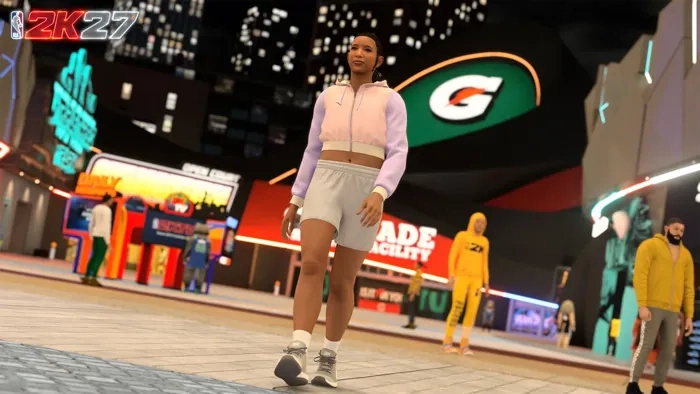
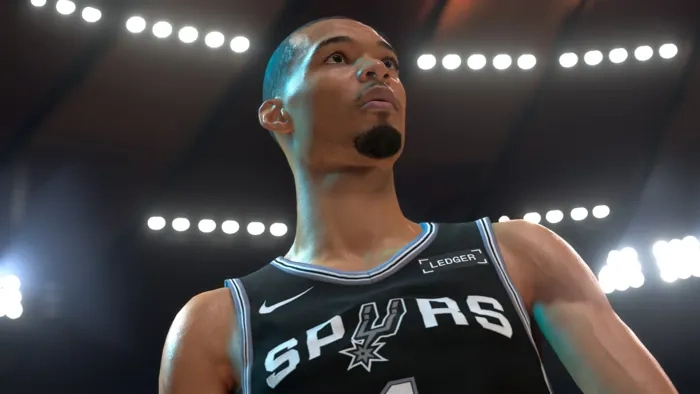
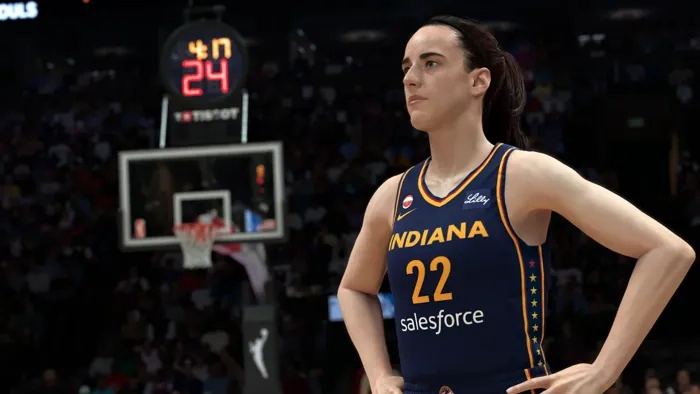
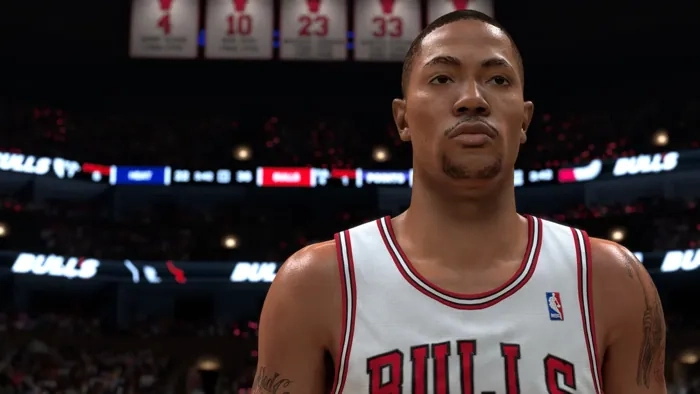
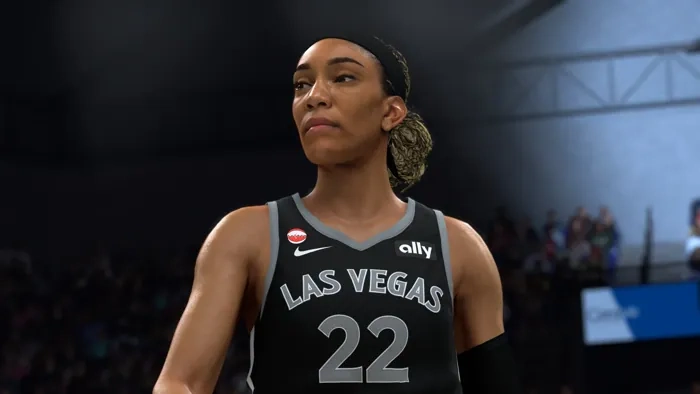
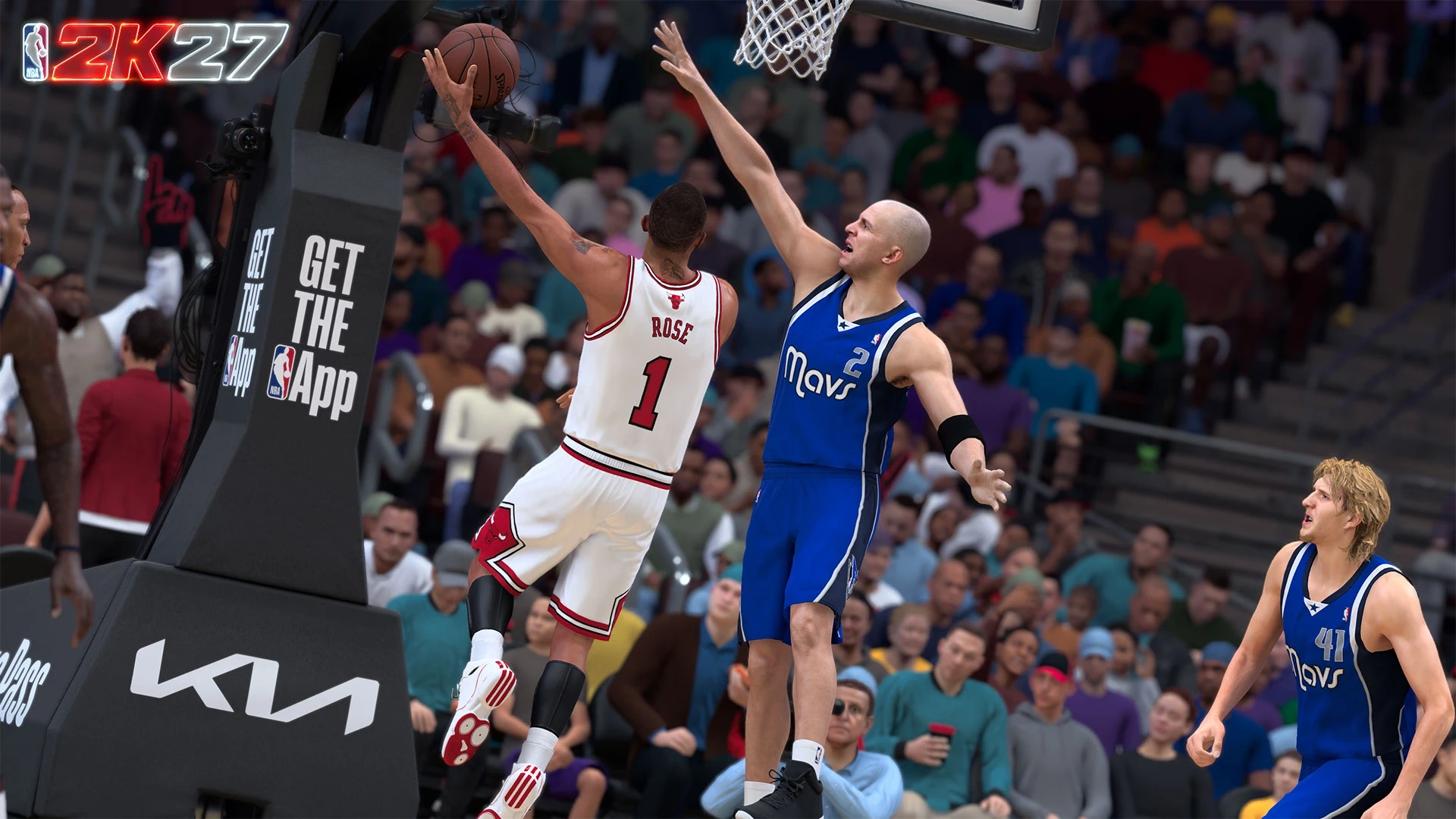
Official publisher footage: a visual companion to this guide. Promotional footage may use a different version and does not replace the written instructions.
NBA 2K27 Gameplay - EN - Unrated
Watch the official gameplay footage for on-court movement and play presentation, then follow the written guide for controls and mode-specific choices.
COURTSIDE DESK
NBA 2K27 · mode chapters
Choose the mode or decision you need to understand: the court, MyPLAYER, MyTEAM or online play. Read platform limits alongside the relevant feature and keep patch notes dated.
A made shot can hide a poor decision, and a missed shot can come from a good opening with a release you have not learned. For practice, separate the chance you created from the execution that followed. Use the same player, camera and familiar action for several possessions. That makes the feedback easier to interpret than changing the move and the shooter after every miss. NBA 2K27’s gameplay report puts particular emphasis on new finishing tools, a more detailed shooting readout and physical defensive responses. The practice suggestions here are ways to examine those systems. They are not claims about an unbeatable move or a tested online win rate. Begin in a setting where you can repeat an action without needing to protect a competitive record.
A build begins with the kind of possession you want to help create. A primary ball-handler needs to organize an attack under pressure. A floor spacer needs to be ready when the pass arrives. An interior defender needs to finish the defensive possession with position and a rebound. These jobs overlap, but naming the first responsibility helps explain every attribute and Badge choice that follows. For a regular group, ask what the other players already do. A second creator can be useful; a second player expecting every possession to begin in their hands may be harder to fit. The Builder cannot solve that disagreement after the attributes are spent. A short conversation about who handles, screens, spaces and protects the paint can save a lot of redesign later.
MyCAREER in NBA 2K27 offers a modern story and historical Eras, with a new co-op option described in the official report. Before choosing a route, decide what you want the surrounding league to provide. You may want the current presentation and story characters, or the chance to place a created player among a particular generation of stars. The choice affects more than the names on a roster. The report says Eras carries period-specific rosters, rules and presentation into MyCAREER. A player built to dominate one familiar modern situation may meet different spacing and matchups in an older setting. Treat the opening games as a chance to learn that environment. Your contribution still needs to fit the teammates and the basketball being played around you.
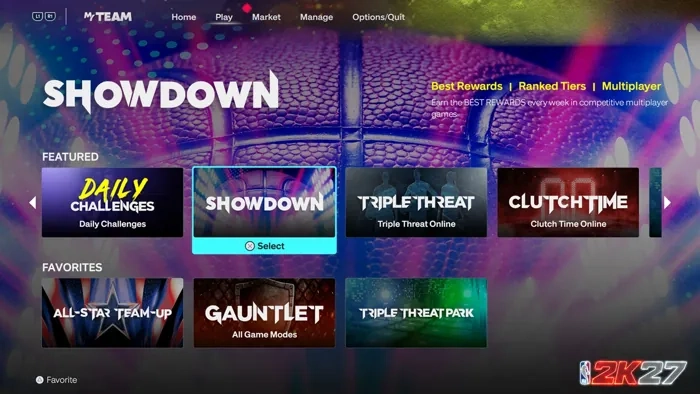
MyTEAM’s revised Play tab is meant to put the available activities within easier reach. Use it to choose the kind of session before rebuilding the whole collection. A short run with a few cards, a full-lineup game and a long Gauntlet attempt demand different depth and preparation. The most expensive-looking lineup is not automatically the most useful one for every activity. Start with a role for each active card. Who brings the ball up? Who can create a second action when the first one fails? Who covers the paint and finishes the rebound? NBA and WNBA stars are both part of the collection, but their fit still comes from how the lineup plays together. A favorite player can remain useful because of a specific job rather than their position in a general tier list.
MyNBA in NBA 2K27 refines franchise management through contract negotiations, team relationships and GM Trust. The interesting decision is rarely whether a star is talented. It is whether the roster, budget and promises around that player can support the version of the team you want to build. A signing can solve one weakness while creating obligations that remain after the welcome screen disappears. Before entering free agency, identify the basketball problem. Perhaps the team cannot defend a position, generate a reliable second action or survive the minutes when a starter rests. A target should answer that problem within a rotation you can actually use. Looking only at an overall rating can produce an impressive roster with no clear allocation of shots, minutes or defensive responsibilities.
The first co-ed City in NBA 2K27 lets male and female MyPLAYERs compete in shared activities. The Builder report describes a common performance framework, with size and ratings determined by the build. The City gives those players several kinds of court, so the first useful choice is the group you are entering with and the sort of session you want. A regular squad looking for practice has different needs from a solo player learning the game or friends gathering for a short competitive run. Choose the destination before asking every teammate to redesign a build. The court’s format, available controls and matchmaking context can reveal what the group actually needs much more clearly than a generic list of ideal player types.
Which guide should I read before creating a player?
Read the Builder chapter before committing to a player. It brings the documented attributes, badges and preview choices together, so that the player you create has a purpose on the floor. Related guide →
How do I choose between MyCAREER and MyTEAM?
Use the two mode chapters to compare the kind of progress you want to manage: a created player’s career or a team collection. Read the platform and account details in the cited sources before treating a mode description as a guarantee for every version. Related guide →
Where should I begin improving on-court play?
Begin with the gameplay chapter and keep one practice goal at a time. Connect shot timing, finishing decisions and defense to the situation on the floor before making another change to a player build. Related guide →
Official screens may show console presentation, limited events or roster moments. Confirm edition and platform details before treating a still as a PC guarantee. Explore the full gallery →
NBA 2K27 puts several different games behind its opening menu. Play Now gets you onto the court with an existing roster. MyCAREER follows a created player. MyTEAM turns roster building into a collection of cards and lineups. MyNBA hands you a franchise, while The W and MyWNBA provide WNBA career and front-office routes. Choosing the right starting point matters more than trying to understand every progression screen on the first evening.
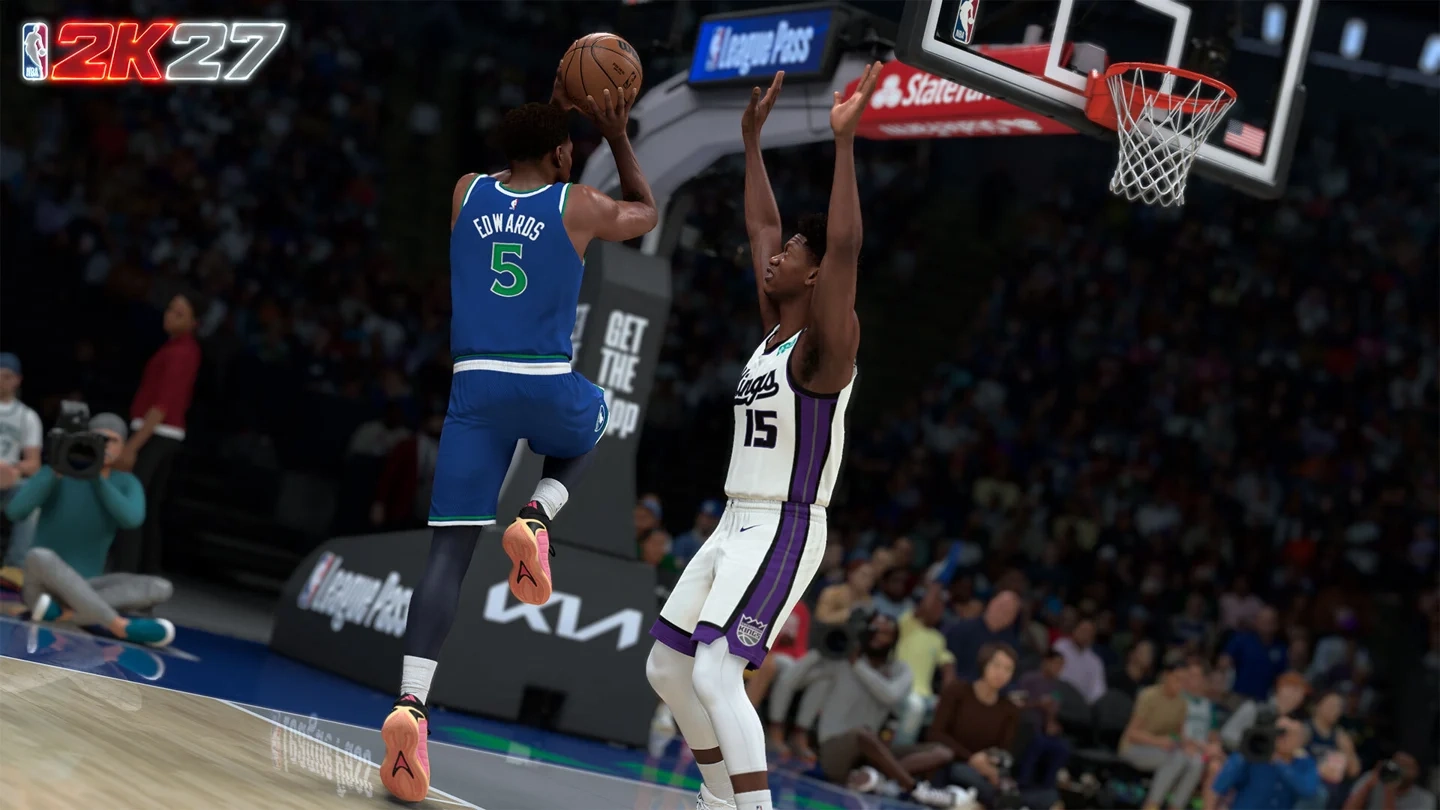
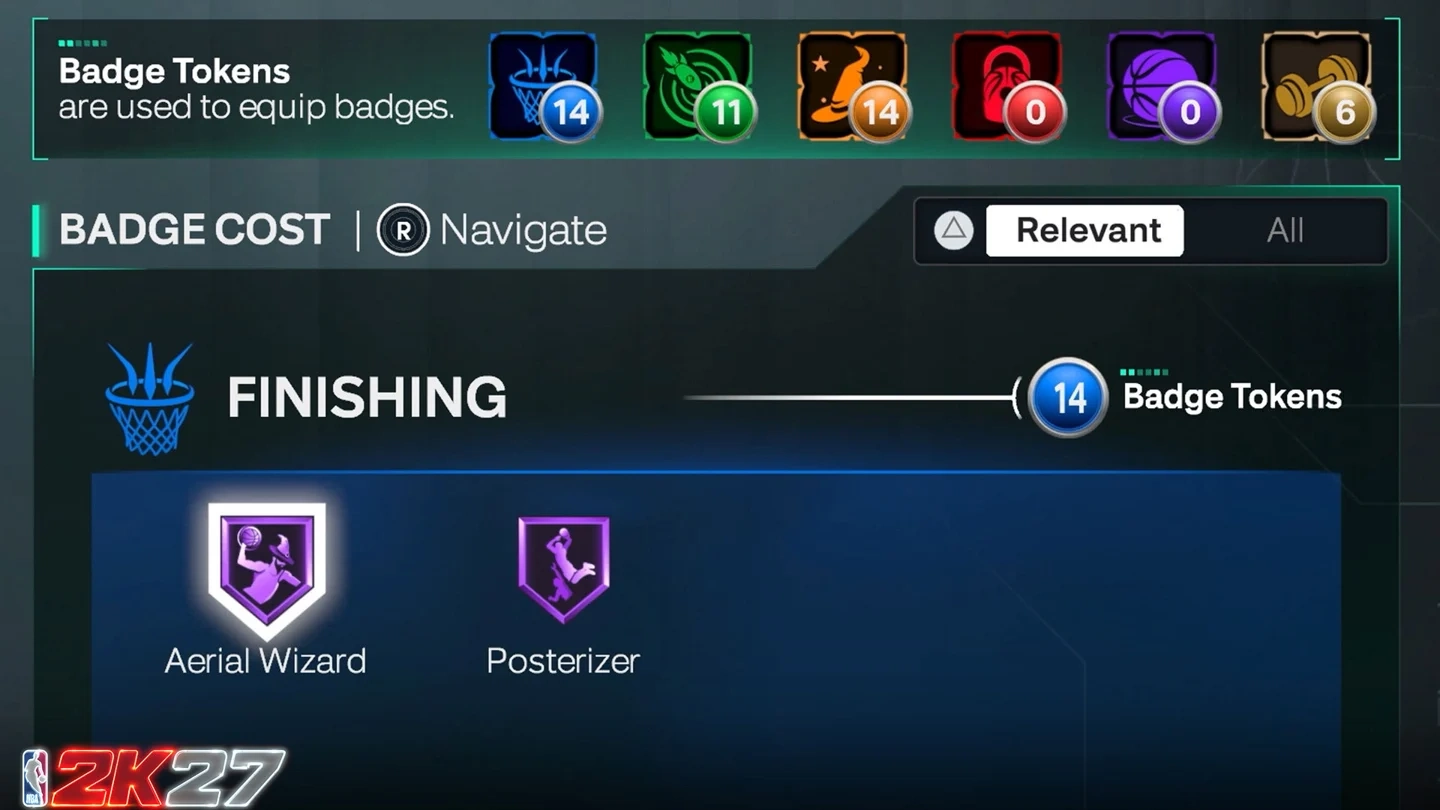
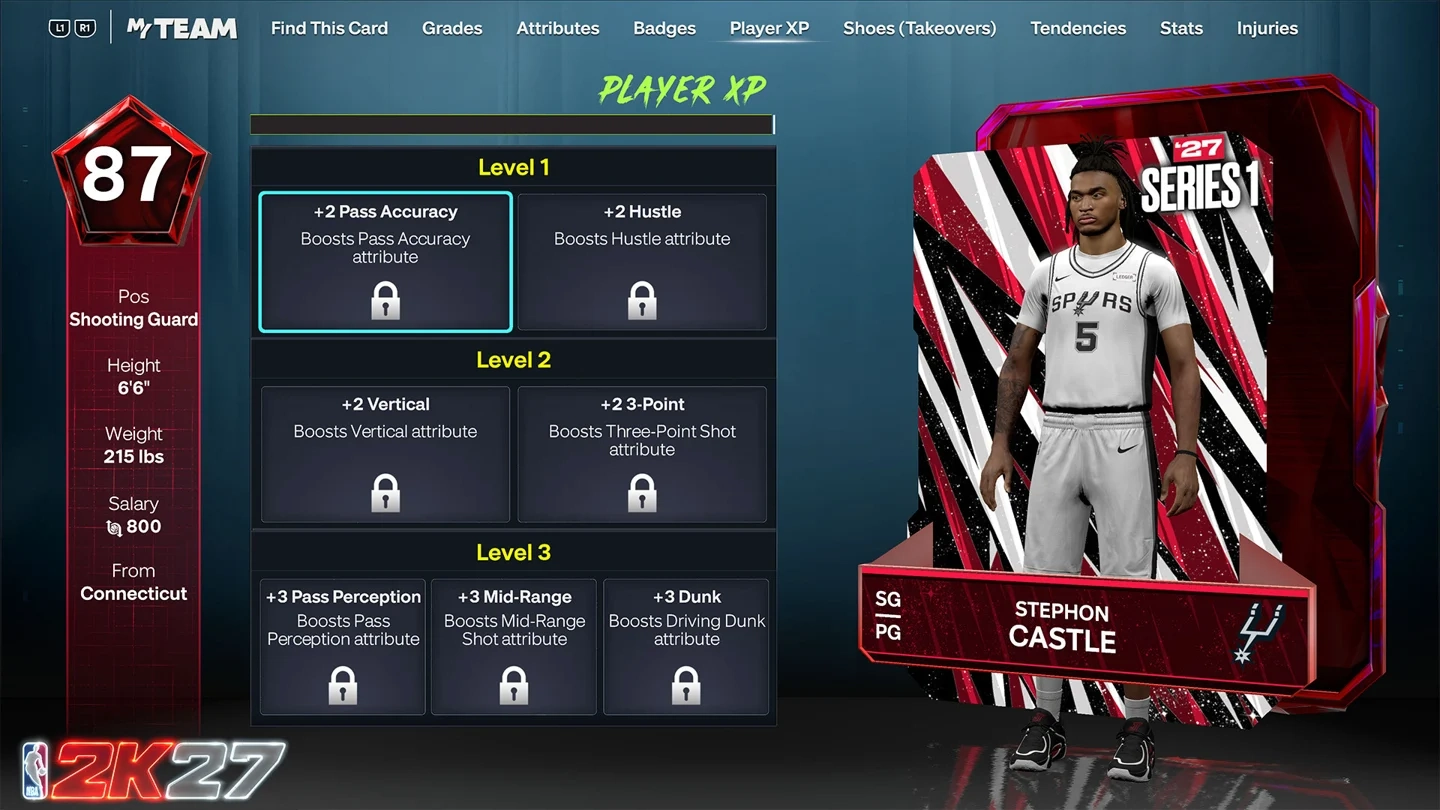
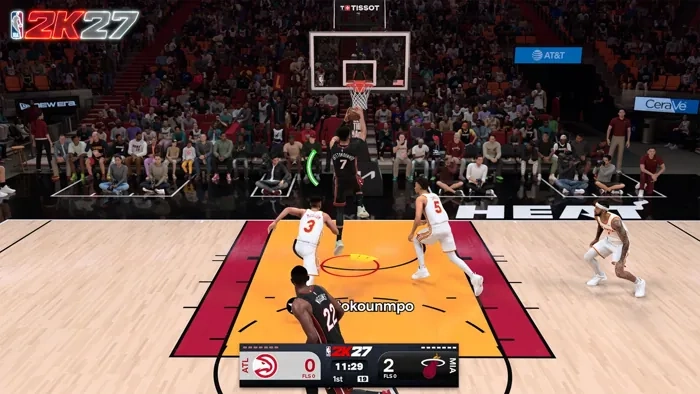
This companion begins with the possession. How do you get a useful shot, read its feedback and defend the next action? From there it follows the choices that make each mode distinct: the attributes and Badges you can equip, the career you carry across eras, the card whose Player XP you want to develop, or the promise you make to a free agent. The images show those specific interfaces alongside the basketball, with larger views for menus that are difficult to read at thumbnail size.
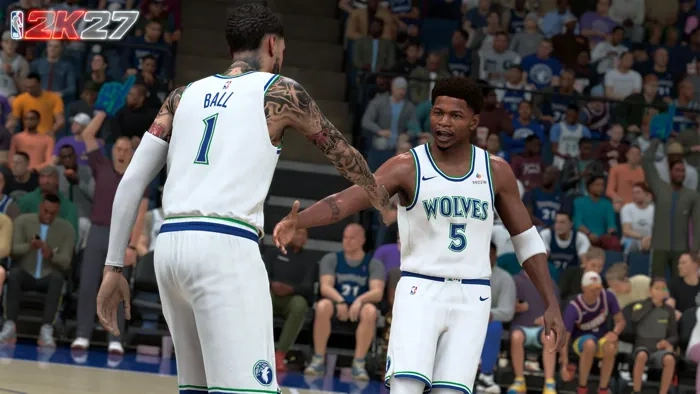
The gameplay report introduces step-through up-and-unders after a pump fake, separates dribbling into more customizable components and describes a Dynamic Layup Engine that adjusts finishes to the matchup. These tools are most useful when you recognize the defender’s response. A move that creates space in one possession can lead straight into help on the next if you repeat it without reading the floor.
Start with a ball-handler you know, one approach to the rim and one counter. The gameplay chapter explains where Rhythm Shooting feedback, the dynamic dunk meter and physical hands-up defense fit into that practice. It separates the report’s control descriptions from suggested drills, so you can test the ideas with your own controller settings and preferred camera.
Build a role before filling the attribute screen
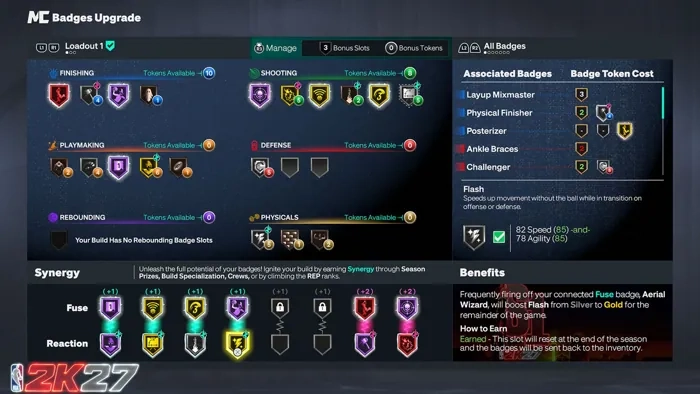
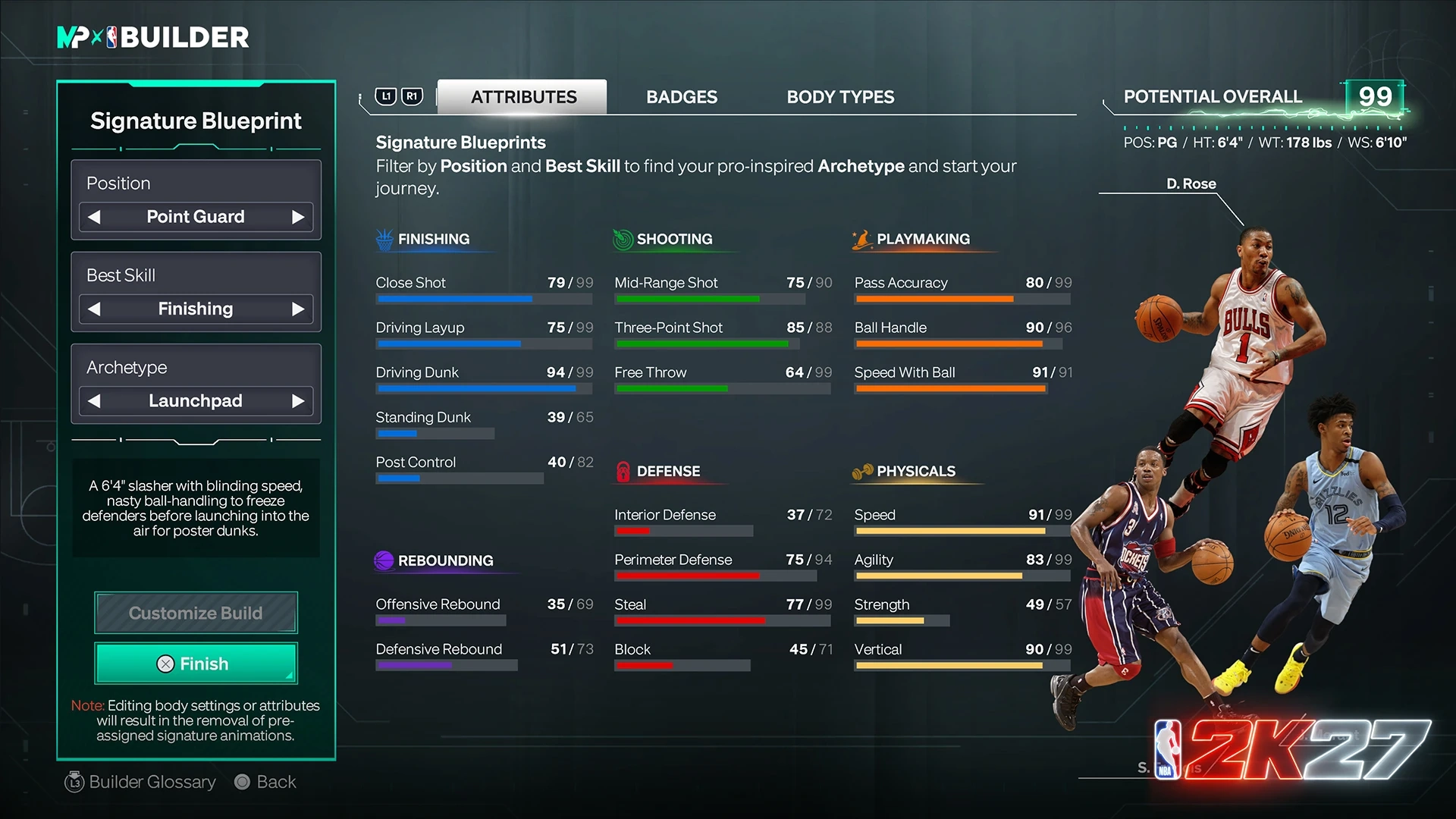
The MyPLAYER Builder supports male and female builds within the same performance framework. Height, weight, wingspan, position and ratings shape the result. Your appearance does not create a separate statistical class, and the selected male or female build is locked for that save. The first practical decision is the job you want to perform: handle the ball, finish, space the floor, protect the rim or support a combination of those responsibilities.
Badge Tokens and the Synergy system then ask how that role will be equipped. A build with an attractive attribute ceiling can still feel different when its Badges and animations are considered. The Builder chapter follows the creation screen, token allocation, loadouts and Cap Breaker preview. NBA 2K HQ also lets you work on builds from a device and share them by QR code before uploading them to your home setup.
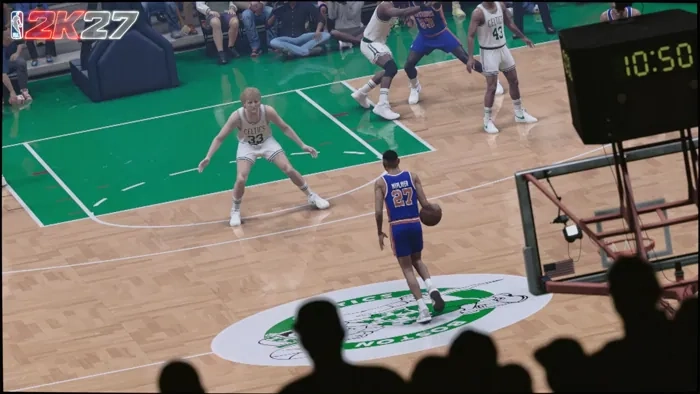
The Modern Era story, Fire & Concrete, is one way into a created player’s career. MyCAREER Eras offers historical settings, and the official report describes five eras in total. Co-op adds another layer, with a guest joining a host’s career game. These are different contexts for the same basic question: how does your player contribute to a team possession?
The career chapter compares the story, historical route and co-op before getting into progression. It also points out why the October patch matters: the notes address Eras transitions, a story progression blocker and co-op issues. If a guide or recording shows behavior you cannot reproduce, check the platform and build before rebuilding your player around it.
MyTEAM rewards knowing your collection
NBA and WNBA cards share the MyTEAM collection. Player XP gives cards their own progression, while the redesigned Exchange lets more of the collection contribute to rewards. Breakout, Gauntlet, Triple Threat Park and All-Star Team-Up make different demands on lineup depth and how you want to control the game. A favorite card can have a job beyond being the highest-rated card in the menu.
The MyTEAM chapter starts with the Play tab and the Scouting Report. It explains how to look up a card you faced, check its acquisition path and compare that path with the resources you are willing to spend. The unified Auction House described by 2K covers PS5, Xbox Series X|S and Nintendo Switch 2; it should not be mistaken for a statement that every PC marketplace or multiplayer queue is part of the same pool.
The franchise runs between games
MyNBA gives weight to roster construction through contract negotiations, player relationships and GM Trust. Promises made while pursuing a star can outlive the signing itself. MyNBA Legacy adds a player-focused route inside a long-running league, with progression tied to performance and milestones. MyWNBA brings the franchise-control approach into the women’s league, while The W has its own career development model.
The franchise chapter puts those routes beside each other. It focuses on the decisions that follow you into the next season: the contract you offered, the teammate you promised to retain and the development plan that depends on minutes. A win is satisfying; understanding why the roster can keep winning makes the simulation more interesting.
Swipe to read the full table →
If you want to…
Start here
Keep in mind
Learn a release and a defensive counter
Gameplay
Read Timing and Tempo separately
Create a player for a regular squad
Builder
Plan a role before spending
Follow a personal career
MyCAREER
Story, Eras and co-op differ
Assemble a card lineup
MyTEAM
Acquisition and progression are separate
Run a league across seasons
Franchise
Contracts and relationships persist
Know the court and the connection
The first co-ed City includes The REC, Park, Crew HQ and a Casual Corner intended to help newer players find a suitable entry. The City chapter explains those destinations before you queue. The official FAQ distinguishes PS5–Xbox Series crossplay from Windows PC–Steam crossplay; console and PC players do not share a crossplay group. Play Now, MyNBA and The W are listed as available offline, while other modes and features require an internet connection and may require account registration.
The season notebook records the November 11, 2026 reference point and October platform patch dates. It links the living official pages for rewards and fixes rather than presenting a permanent tier list. The image desk gathers court action, Builder menus, card screens and venues into a browsable archive, and the questions page covers the practical checks before choosing a mode or edition.